
You have ten minutes before your big presentation begins. The slides are ready, you’re dialed in to the conference line and start sharing the deck from your laptop, and then horror strikes — you can’t find your presenter remote. Has this ever happened to you? If so, then you’re not alone.
If you frequently give presentations, whether for work or at conferences, then it’s good to know that Teams Mobile App is your friend in need. One of the great many features that the Teams Mobile App offers is the ability to share content directly from the app. This is very convenient if you are unable to join a meeting from a desktop but still need to share the screen or content, such as images, videos, or presentations.
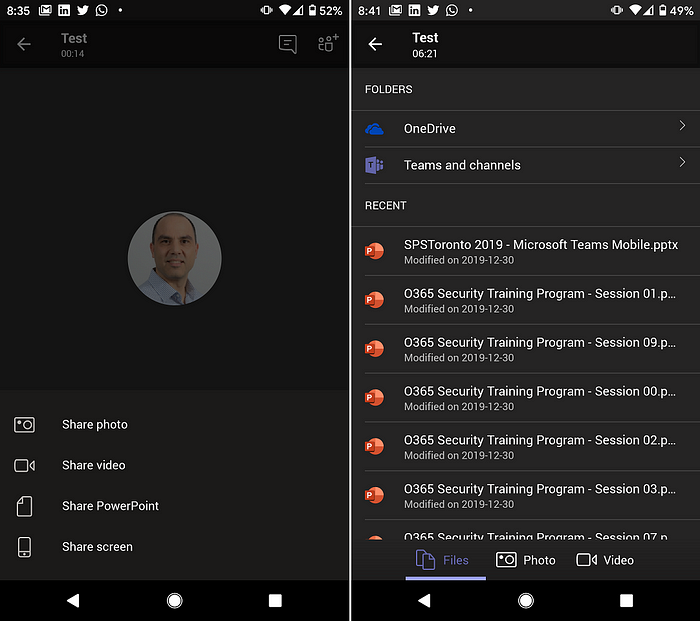
When you choose to share a PowerPoint presentation, the Teams Mobile App connects to any presentation hosted in OneDrive for Business, Teams, and channels. It even provides a list of all the presentations you recently accessed. This list is the same as you would see when you open PowerPoint on your desktop or PowerPoint Online.
So what does all this have to do with a presentation remote? Simple! When you are in need of a presenter remote, simply connect to your existing Teams meeting with your phone and share the presentation from it rather than your laptop.
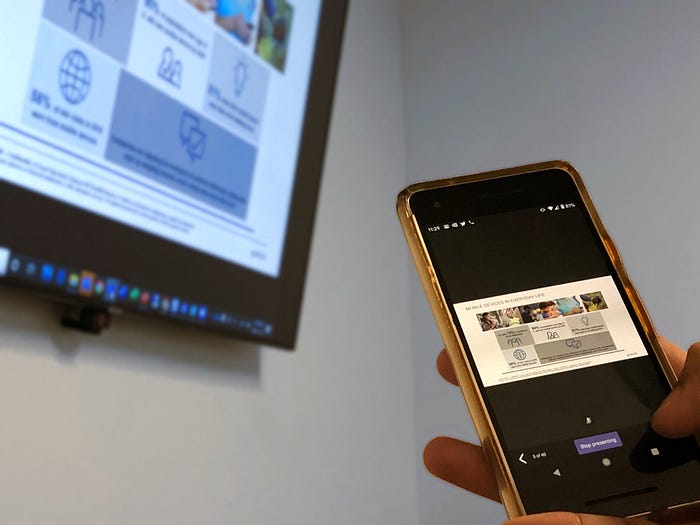
Yet another great use of Teams Mobile App for your everyday work. Happy presenting.
Originally posted on Medium

 Haniel Croitoru